
How to Check if a Phone Number Is Registered on Viber
Format a phone number for a realtime Viber registration check and interpret positive, negative, and failed results in a contact workflow.
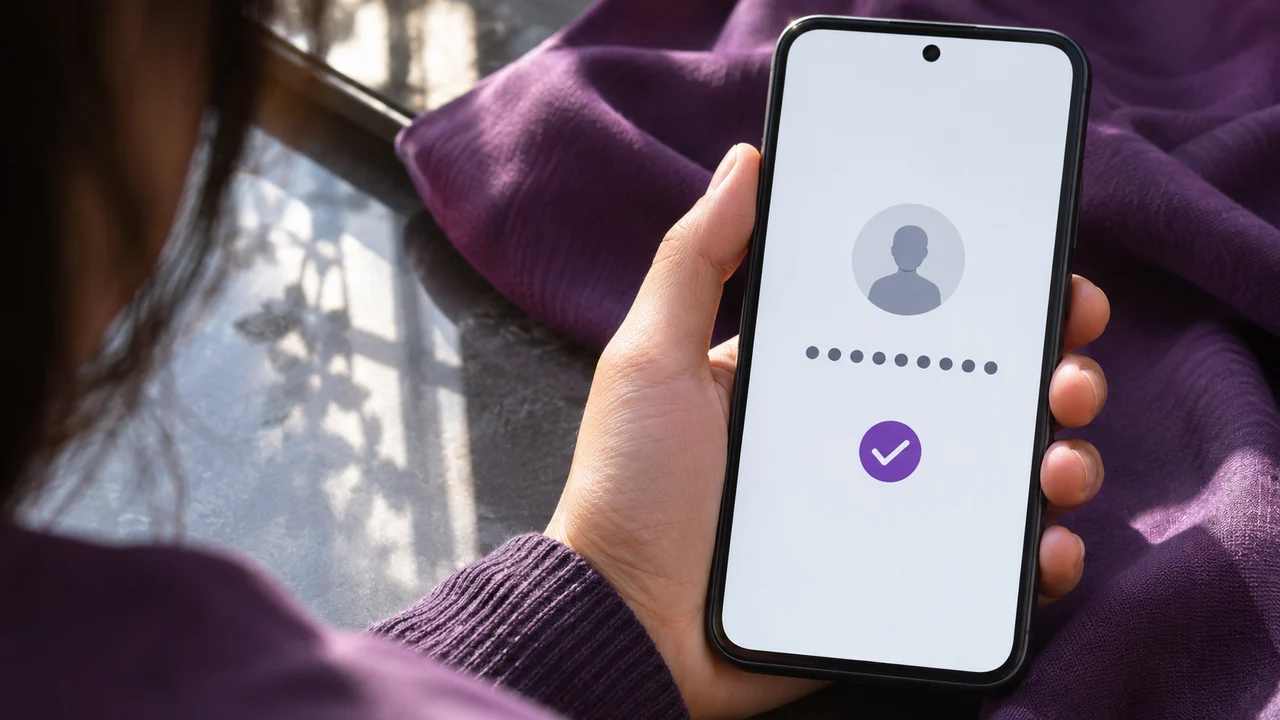
A realtime single-number check answers whether Viber registration was detected for the number you submit. Use it when you are reviewing one contact at a time, such as a customer who has asked to continue a support conversation on Viber. The registration decision comes back in the same request.
Prepare the number with its country calling code
Start with the country or numbering region of the phone number. A customer's current location and the number's calling code can differ. Store the normalized number as text in international format, with a leading plus sign, the country calling code, and the national significant number. Strip display punctuation and handle any domestic trunk prefix according to that region's numbering rules. If the source record is ambiguous, confirm the number with the contact instead of guessing a calling code.
For example, a US contact record displayed as (202) 555-0123 normalizes to +12025550123. This is a reserved fictional number used here to illustrate formatting. The example shows how to prepare the input, and no lookup was performed.
Run one registration check
Open the Viber Number Checker, enter the complete number, and read the registration result. For an integration, the equivalent operation is POST /api/v1/check with service_type set to viber and the number in identifier. The API docs show how to authenticate and send the request.
Read the business code first. A completed response with code: 0 has a boolean data.registered. A value of true means Viber registration was detected at check time. A value of false means the check completed without detecting registration for that number. A nonzero business code or a request that times out leaves you without a registration decision. Keep that result unresolved in your application and follow the documented error handling.
Store the observation with the number you checked
Keep the normalized number and your observation timestamp alongside the result. If a customer corrects their phone number, the earlier observation still belongs to the original number. Run a new check for the corrected number when the workflow needs a fresh decision. Treat a telephone-format error as a problem to resolve with the input before retrying.
For a support case, keep the customer's chosen contact channel in its own field. A registration result answers account presence only. Use your existing customer verification and permissions to decide what you can send, and use your messaging system to track delivery.